

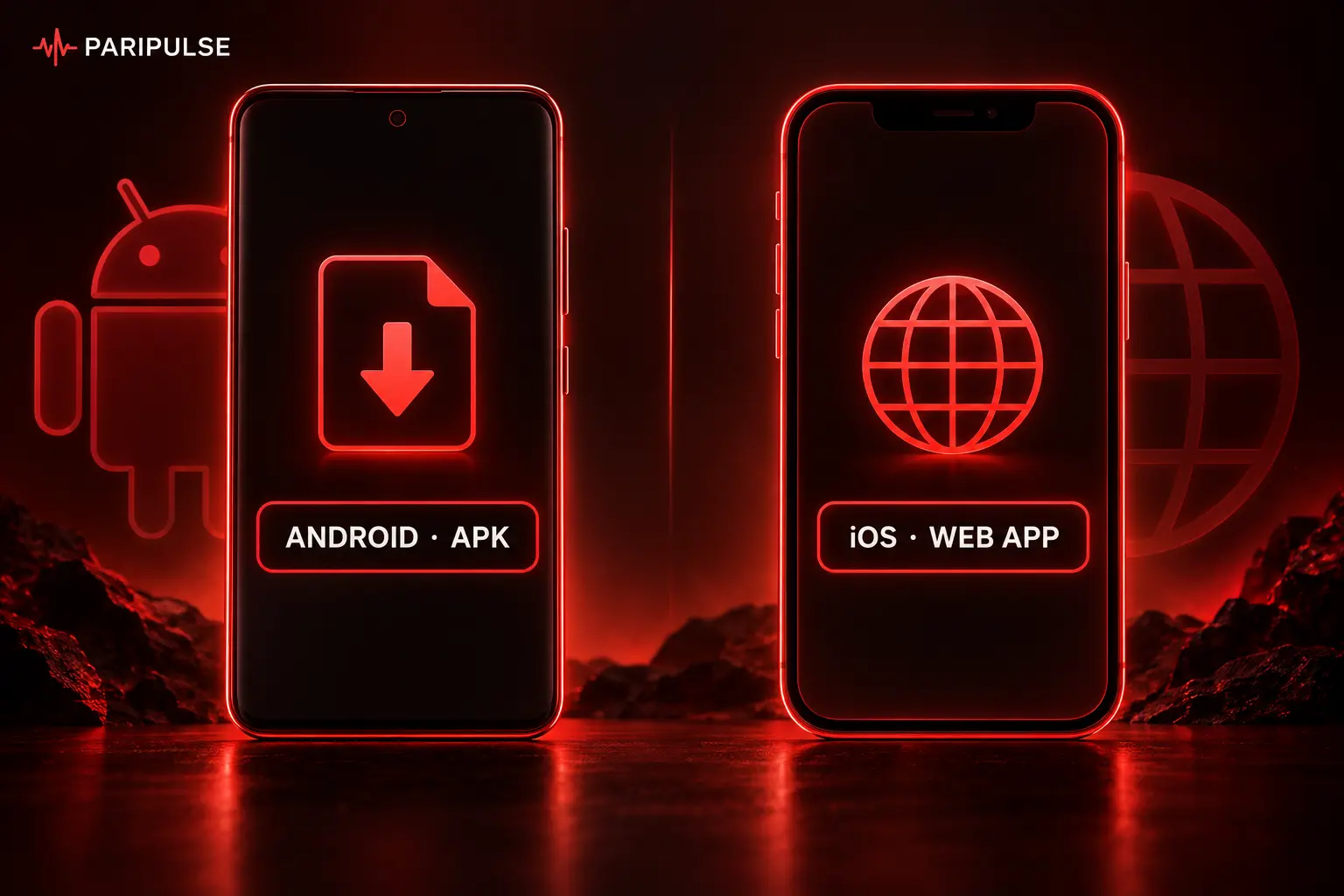
The Paripulse app is a native Android application; iOS users get the same functionality through the mobile-optimized website, which can be added to the home screen as a PWA for an app-like experience. This page covers how to install both versions and what each one offers.
Last updated: September 2026. 18+, please gamble responsibly.
What's Available
| Platform | Format | Notes |
| Android | Native APK | Downloaded directly from the site, not the Play Store — betting apps are generally excluded there |
| iOS | Mobile-optimized website (PWA) | Add to home screen from Safari for an app-like icon and experience; there's no separate App Store listing |
Both versions carry the same core features — sports betting in pre-match and live modes, the full casino, deposits and withdrawals, and account management.
Android Installation
Since the app isn't distributed through the Play Store, Android blocks installation from outside the store by default — the steps below include enabling that permission once.
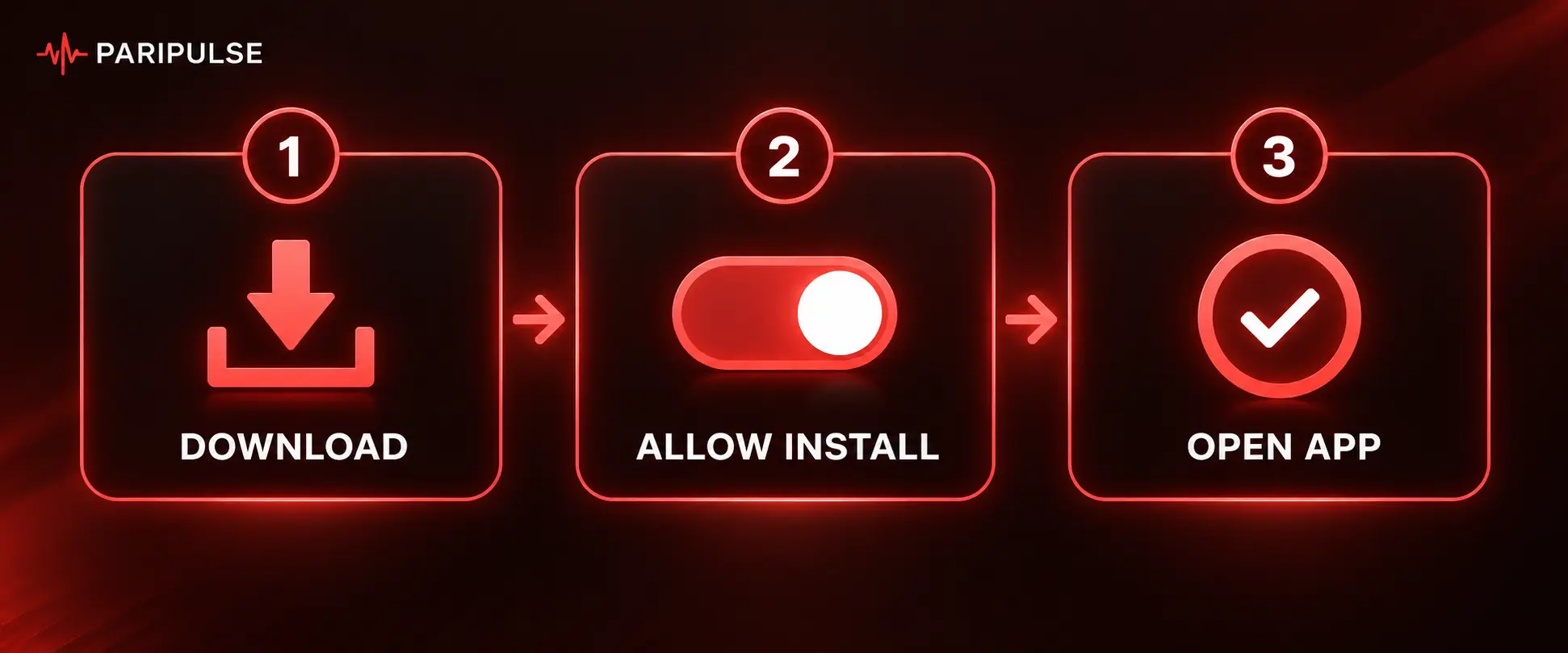
- Open paripuls.org in your phone's browser and go to the App section.
- Tap the Android download link to start the APK download.
- Open the downloaded file from your Downloads folder.
- Allow installation from unknown sources when prompted — this is a one-time setting.
- Complete the install and open the app.
- Log in or register, then enable notifications if you want alerts on results and promotions.
The app doesn't update through the Play Store either — enabling auto-update in the app's own settings, or checking back on the download page periodically, keeps it current.
iOS Setup
There's no dedicated iOS app to install from the App Store. Instead, adding the mobile site to the home screen creates a shortcut that opens and feels like a native app.
- Open paripuls.org in Safari on your iPhone or iPad.
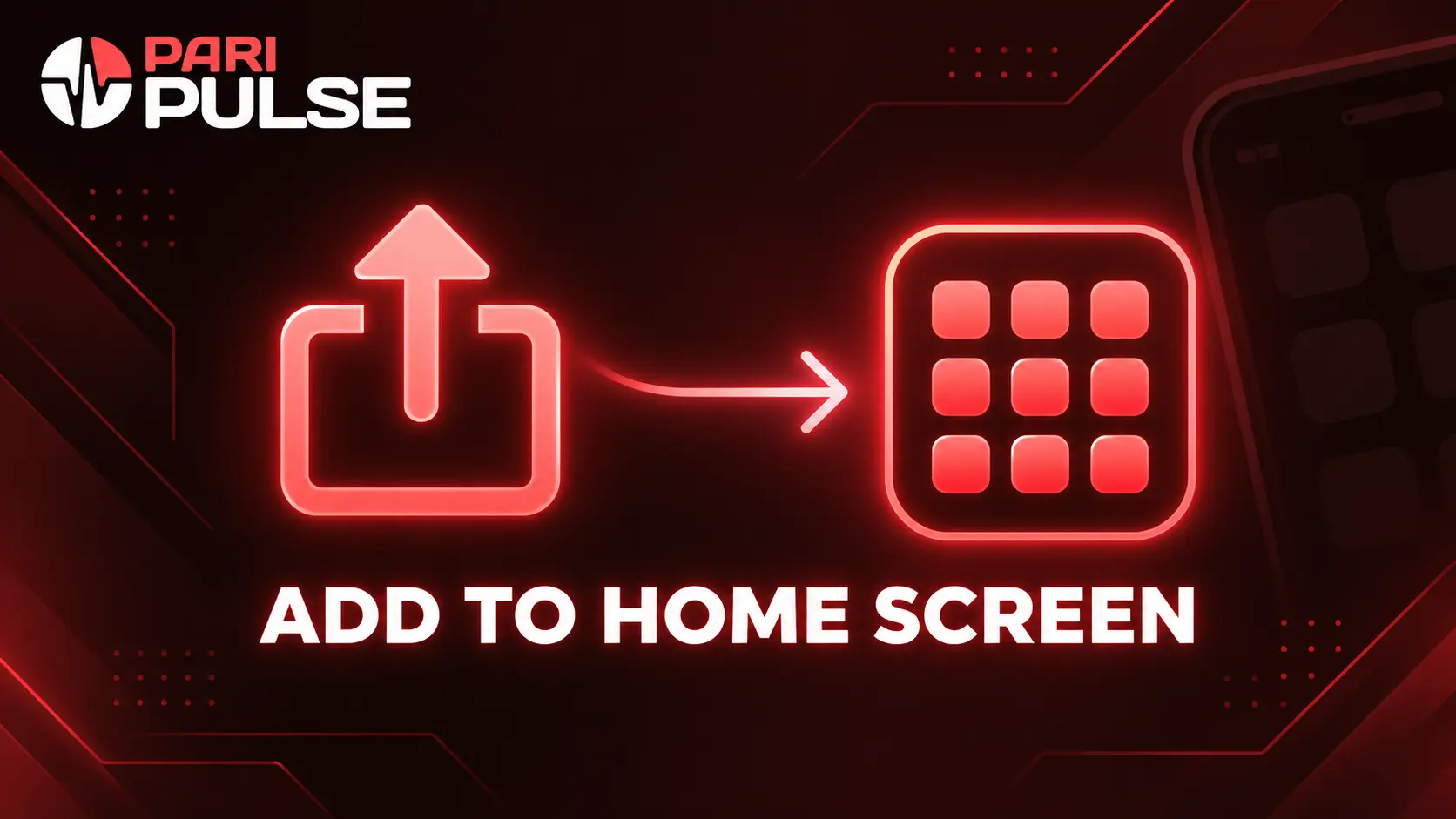
- Tap the Share icon in the browser toolbar.
- Select Add to Home Screen.
- Confirm the name and tap Add.
The resulting icon opens the site in a stripped-down browser view without the usual address bar and tabs, which is the closest equivalent to a native app on iOS right now.
App Features
- Pre-match and live sports betting with the full market range
- Full casino access, including slots, live tables, and crash games
- Deposits, withdrawals, and bet history in one place
- Push notifications for results, odds changes, and promotions (Android)
- Biometric login where the device supports it
Registration and login work the same way in the app as on desktop — see the Registration & Login page for the available methods and verification steps. Deposit and withdrawal methods are covered on the Deposits & Withdrawals page.


FAQ
Why the Android app installs via APK instead of the Play Store
Google Play restricts real-money betting apps in most regions, so the Android app is distributed as a direct APK download from the official site instead.
Whether a dedicated iOS app exists
Not currently — iOS access runs through the mobile-optimized website, which can be added to the home screen for an app-like shortcut.
What to do if the app won't open
Updating the OS, clearing the app's cache, and freeing up storage space resolve most launch issues. If the problem continues, reinstalling the latest version from the official site usually fixes it.
Placing bets without registering
Without an account, only the odds and event list are visible. Placing a bet, depositing, or withdrawing all require registration and identity verification.