

Registering on Paripulse takes a few minutes through one of four methods, followed by identity verification before a first withdrawal. This page covers each registration method, what verification involves, how to log back in, and why accounts sometimes get restricted.
Last updated: September 2026. 18+, please gamble responsibly.
Registration Requirements
Registration is open to adults aged 18 and over, and each person is allowed one account. Creating duplicate accounts leads to the extras being blocked along with any linked balance. The process itself runs 24/7 and typically takes a couple of minutes.
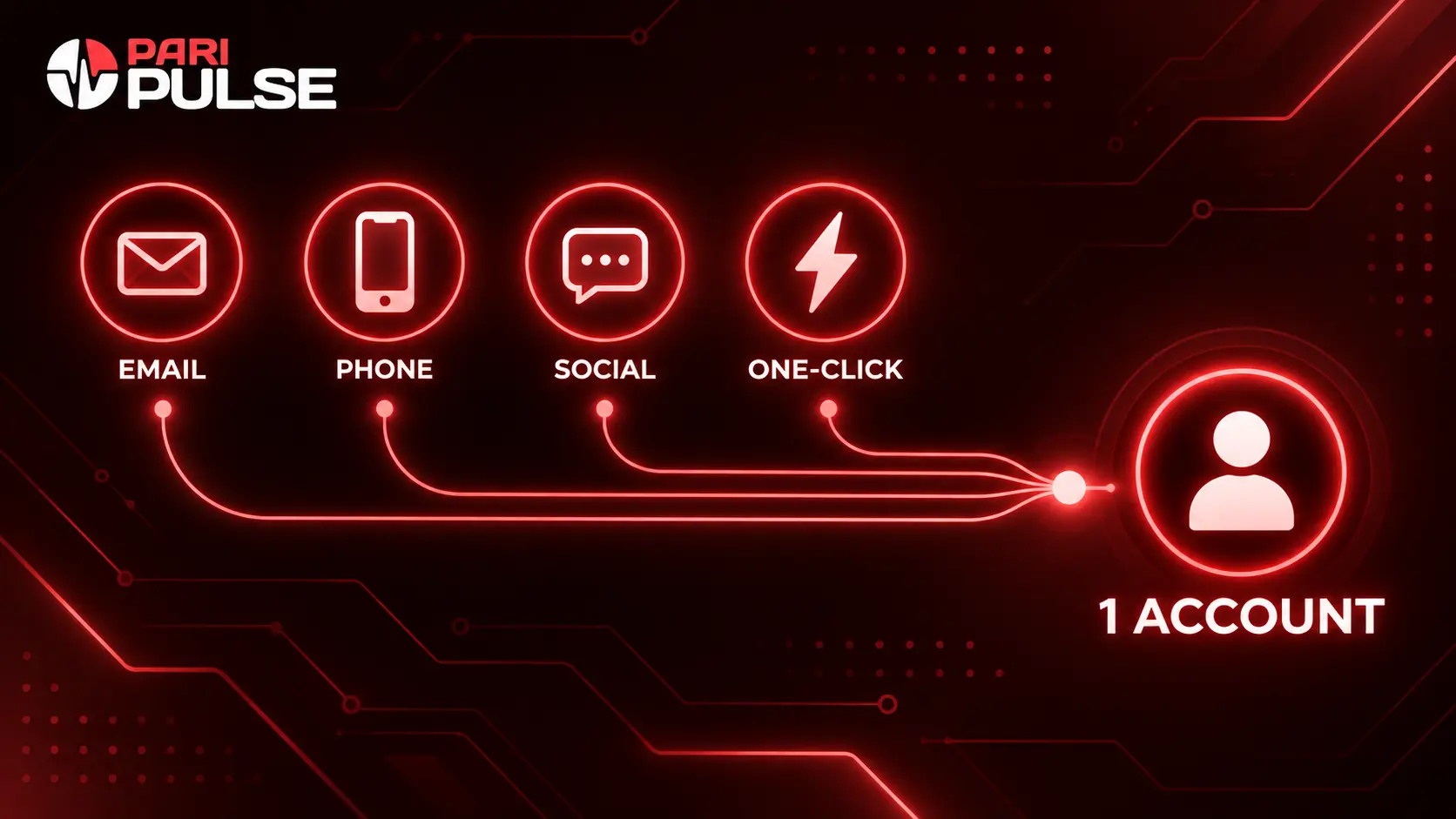
Registration Methods
| Method | How It Works | Best For |
| One-click | Choose a country and currency, and the system generates a temporary login and password | Trying the platform quickly before filling in full details |
| Enter your name, region, and phone number, then confirm via a link sent to your inbox | Players planning to withdraw regularly, since it simplifies later verification | |
| Phone number | Enter your number and confirm the SMS code sent to it | A straightforward option that works even on a slow connection |
| Social account | Sign up through a linked social profile, which fills in basic details automatically | Fastest setup for players who already use that platform |
Whichever method you pick, the account itself still needs identity verification before its first withdrawal.
Verification (KYC)
Verification confirms that an account belongs to a real, eligible person rather than a bot or a duplicate profile. It's a standard step across licensed betting platforms, not something specific to one account or one flag on your profile.
| Question | Answer |
| What's needed | A government-issued ID; sometimes proof of address such as a recent utility bill |
| When it's required | Before a first withdrawal — deposits and play are usually possible before verification |
| How long it takes | Typically ranges from around 15 minutes to a few hours, depending on document clarity and review load |
| Why it matters | Confirms account ownership and supports anti-fraud and anti-money-laundering checks |
Uploading clear, unedited photos of valid documents is the main way to avoid delays. If a submission is rejected, support will usually explain why and what to resubmit.
Logging In
Logging back in uses whichever credential was set up at registration — email, phone number, or a linked social account. On a shared device, logging out after each session is worth doing, and two-factor authentication can be turned on in account settings for extra protection.
If a password is forgotten, the “Forgot password” link on the login page sends a reset link by email or SMS.

Common Login Problems
| Problem | What to Try |
| Wrong password | Use “Forgot password” to reset it via email or SMS |
| Site temporarily unreachable | Try the mobile app or check for an updated working link |
| Account not recognized | Double-check which method was used at registration — email, phone, or social login require the matching credential |
| Login works but actions are restricted | Verification may still be pending or incomplete — check account status before contacting support |
Why Accounts Get Restricted
Accepting the user agreement at registration means agreeing to its terms — breaking them can lead to a temporary or permanent restriction.
- Multiple accounts registered by the same person
- False or mismatched personal information
- Attempts to abuse bonuses or manipulate outcomes
- Suspicious transactions linked to third-party accounts
Most restrictions get resolved by contacting support with the account details and, where relevant, completing or redoing identity verification. A resolved restriction doesn't affect the account balance.
FAQ
Placing bets before verification
Deposits and play are usually possible before verification is complete, but withdrawals require it. Completing verification early avoids delays when it's time to cash out.
Closing an account
Yes — a formal request to support asking to close the account permanently is the standard way to do this. Once approved, access is deactivated.
Document safety during verification
Documents are transmitted through encrypted channels and reviewed only by authorized staff as part of standard KYC handling.
Registering from an iPhone
Yes — registration works through the mobile-optimized website in Safari, since there's no separate iOS app. The process and available methods are the same as on desktop.
Switching registration methods after signing up
The registration method itself is fixed once the account is created, but contact details like phone or email can usually be updated in account settings afterward.